Chore Chart App vs. Paper Chart: Which Works Better?

A chore chart app and a paper chart solve the same basic problem: children need a clear way to see what they are responsible for and whether the work is complete. The better choice depends less on technology and more on how your household actually moves through the week.
A paper chart can be immediate, visible, and wonderfully simple. An app becomes useful when chores repeat on different schedules, rotate between people, need approval, or follow family members beyond one refrigerator. This comparison will help you choose without turning a simple household tool into a bigger project than it needs to be.
Quick answer
Use a paper chore chart when your household has a small number of predictable chores, everyone sees the same chart daily, and stickers or check marks provide enough motivation. Choose a chore chart app when you need reminders, recurring or rotating assignments, separate views for multiple family members, parent approval, photo proof, or automatic reward balances. Some families use both: an app for the system and a simple printed list for daily visibility.
Chore chart app vs. paper chart at a glance
Need | Paper chart | Chore chart app |
|---|---|---|
Fast setup | Excellent | Good after initial setup |
Always visible in one room | Excellent | Depends on device access |
Recurring schedules | Must be reset manually | Automatic |
Chore rotation | Manual | Can be automatic |
Use away from home | Limited | Strong |
Parent approval | Informal or manual | Built into some apps |
Photo proof | No | Available in some apps |
Stars or allowance totals | Calculated by hand | Updated automatically |
No screen required | Yes | No |
History over time | Only if charts are saved | Available in some apps |
Why paper chore charts still work
Paper has survived every wave of family technology because it does several things extremely well. A chart on the refrigerator is visible without unlocking anything, opening an app, or remembering a password. A young child can understand a picture, place a sticker, and see progress immediately.
The American Academy of Pediatrics recommends specific chore charts or checklists as visual reminders. Its guidance notes that a visible list can keep family members focused and provide children with a sense of accomplishment as work is completed.
Advantages of a paper chore chart
It is immediately visible. The chart can live where the routine happens.
It has almost no learning curve. Write, draw, check, erase, or add a sticker.
It works without a device. Children do not need screen access to see their next job.
It can be highly visual. Pictures help younger children understand tasks before they read fluently.
It feels tangible. Physically moving a magnet or placing a sticker can make completion satisfying.
It is inexpensive. A sheet of paper, marker, or basic whiteboard may be enough.
Where paper starts to struggle
Paper works best when the system is simple and everyone passes the same location. It becomes harder to maintain when:
Different chores repeat daily, weekly, biweekly, or monthly.
Assignments rotate between siblings.
Parents need to check progress away from home.
Children move between households.
Rewards use different star or money values.
Completed work needs approval or proof.
The chart must be erased and rebuilt every week.
A chart can also become part of the background. Once everyone stops looking at it, its perfect location no longer matters.
When a chore chart app works better
A chore chart app earns its place when it removes administrative work from the family system. The value is not that a screen is more modern than paper. The value is that recurring jobs can return automatically, assignments can move without rewriting a chart, and each family member can see the responsibilities that apply to them.
Advantages of a digital chore chart
Recurring chores reset automatically. Parents do not rebuild the week by hand.
Reminders can happen without a parent repeating them. The system shares some of the mental load.
Assignments can rotate. Shared work does not always fall to the same person.
Everyone can access the system. Chores are available beyond one room or one sheet of paper.
Parents can review work. Approval keeps rewards connected to the agreed standard.
Rewards stay current. Stars, balances, and redemption progress do not require manual arithmetic.
History can answer disagreements. The family can see what was assigned and completed.
Where apps can fail
A complicated app can be worse than a simple chart. If setup takes hours, children cannot find today's chores, or basic actions require constant navigation, the household has traded one kind of friction for another.
Apps also depend on access. A younger child may not have a personal phone. A tablet may be charging elsewhere. Notifications may be muted or lost among dozens of others. The app still needs a family routine around when and where responsibilities are checked.
Which option fits your family?
Choose a paper chart if...
You have one or two children with a short, stable list.
Everyone sees the same wall or refrigerator every day.
Your child responds well to pictures, magnets, or stickers.
You do not need remote access, approvals, or automatic balances.
You want a screen-free system.
You are testing chores for the first time and need the simplest possible start.
Choose a chore chart app if...
Your household has several people, schedules, or locations.
Chores repeat at different intervals.
You rotate shared work between family members.
You track stars, money, allowance, or custom rewards.
Parents need to approve work or request photo proof.
You want reminders without repeated verbal prompting.
You are tired of rewriting, erasing, totaling, and replacing charts.
Can you use a paper chart and an app together?
Yes. A hybrid system can combine the visibility of paper with the automation of an app.
For example, recurring chores, assignments, approvals, and reward balances can live in the app. A small paper checklist near the morning routine can show the three things a child needs to do before school. The paper is a local cue; the app remains the household record.
Keep the two systems from competing. Decide which one is authoritative when a task is checked, changed, or approved. Duplicating every detail in both places creates more upkeep than either system alone.
How to build a paper chore chart that lasts
Start with two or three chores. A chart should be readable at a glance.
Use specific task names. Write "put dirty clothes in hamper," not "clean room."
Add pictures for younger children. Use one recognizable image per job.
Put it where the routine happens. A bedroom checklist may work better than a kitchen chart for morning tasks.
Choose a reset day. Decide who clears the chart and when.
Review it consistently. A chart nobody checks becomes decoration.
Change it as skills grow. Phase out established habits and add the next useful responsibility.
The CDC's reward-chart guidance recommends selecting a small number of specific, realistic behaviors, making the chart understandable to the child, and placing it somewhere easy to see.
How to choose a family chore app
Look for an app that solves the part paper cannot handle without burying the family in extra features.
Useful capabilities include:
Simple views for children and adults.
Daily, weekly, and custom recurrence.
One-time jobs and rotating assignments.
Reminders that can be adjusted or disabled.
Parent approval for selected chores.
Optional photo proof.
Money, stars, or custom family rewards.
A clear history of assignments and completion.
Our comparison of the best chore apps for families in 2026 explains which products fit chores, financial education, family calendars, and cleaning schedules.
How Xtra Hands compares with a paper chart
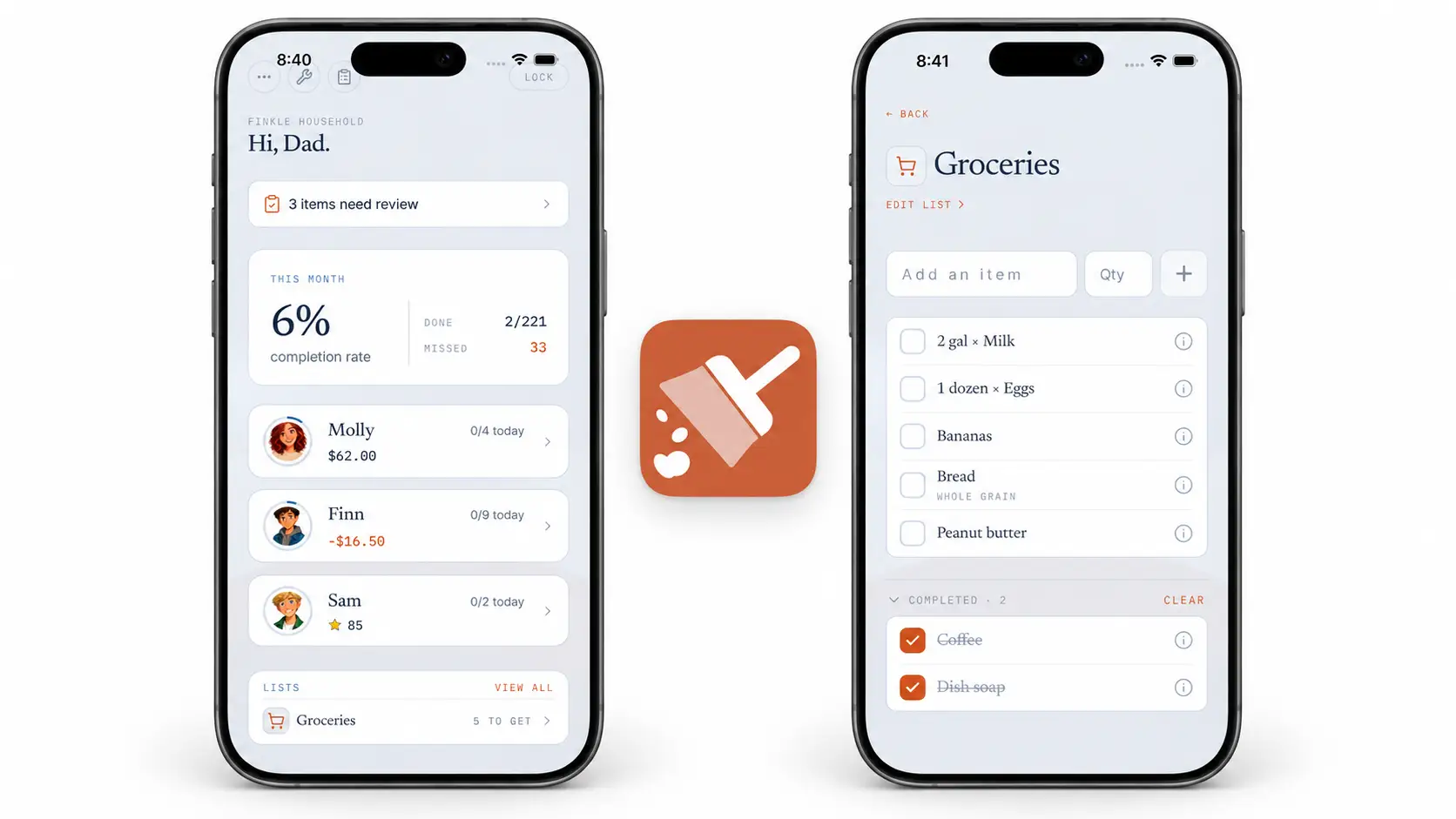
Xtra Hands keeps the parts families often outgrow on paper: recurring and rotating chores, reminders, parent approval, optional photo proof, history, and automatic star or money balances. Custom rewards and unpaid responsibilities can live in the same household.
One member can use every feature free with no trial deadline. That makes it possible to build a real version of your routine and compare it with the paper chart before inviting additional household members.
If reminders are the main reason you are considering an app, read our guide on getting kids to do chores without nagging. The tool matters, but clear expectations and consistent follow-through still carry the routine.
Frequently asked questions
Are chore apps better than paper charts?
Not always. Apps are better for automation, multiple schedules, rotations, approvals, remote access, and reward tracking. Paper charts are better for immediate visibility, simplicity, low cost, and screen-free use.
What age is best for a chore chart?
Children can begin using simple picture-based charts in the preschool years with adult help. Older children can manage written checklists, schedules, points, or app-based systems as their reading and planning skills grow.
Why did our paper chore chart stop working?
The chart may have become visually familiar, too crowded, outdated, or disconnected from a consistent review time. Reduce the number of chores, update the responsibilities, move the chart, or change how completion is acknowledged.
Does a child need a phone to use a chore app?
That depends on the app and household setup. Some families use a shared tablet or a parent's device for younger children. Check how each app handles member access before choosing it.
Should a chore chart include rewards?
It can, but rewards are not required for every chore. Charts can simply show expected family responsibilities. Other families connect selected jobs to stars, privileges, allowance, or money. Make the rule clear before the work starts.
Final take
A paper chart is not the outdated choice, and an app is not automatically the better one. Use paper when visibility and simplicity solve the problem. Move to an app when maintaining the chart has become more work than completing the chores it tracks.
Start free with Xtra Hands and test a complete digital chore system alongside the paper chart your family already knows.