Shared Household Lists: Keep Everyone in the Loop
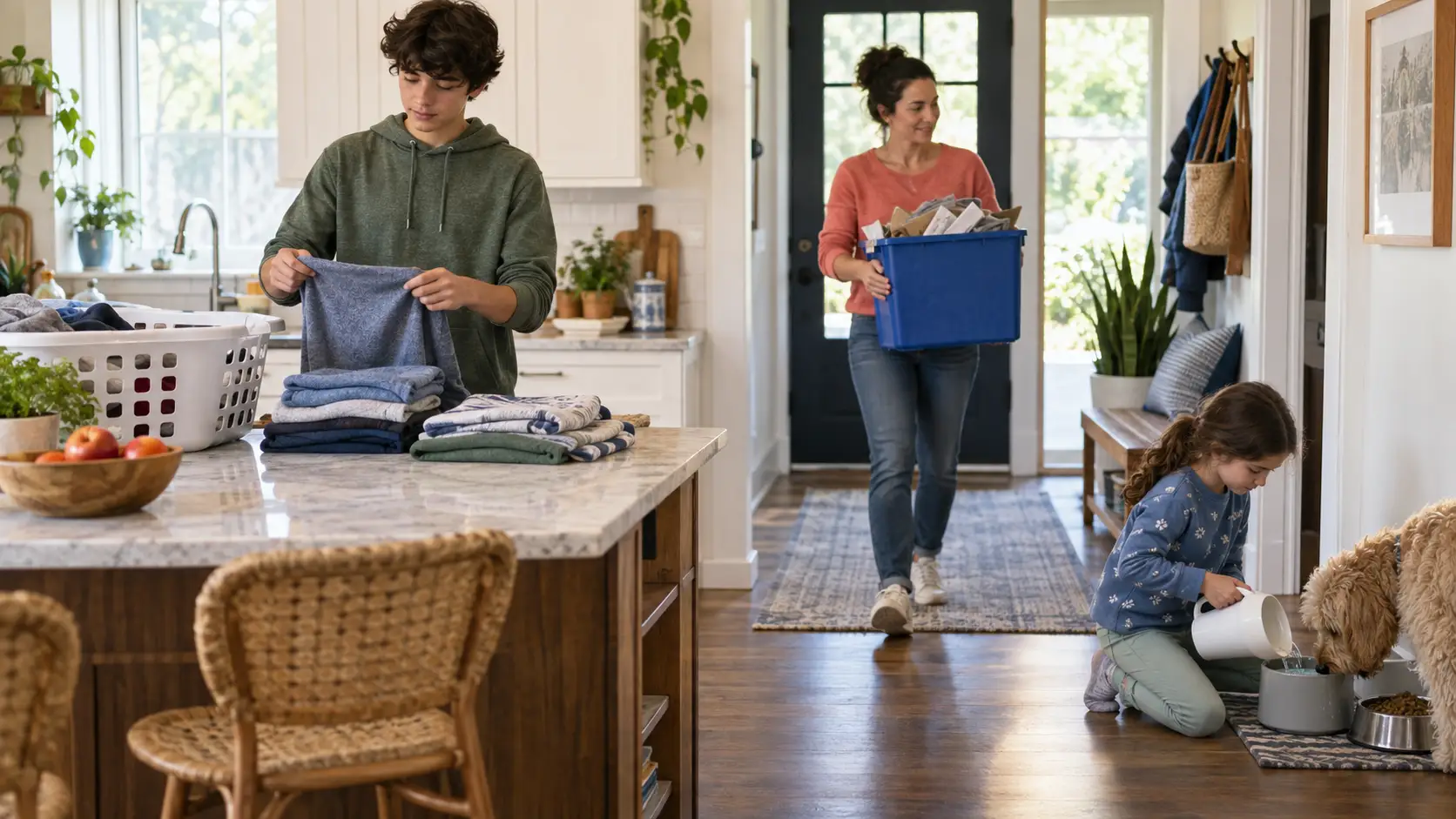
Every household knows some version of the same story: someone uses the last of the milk, dish soap, or dog food, but the person going to the store never hears about it. Later comes the familiar line: “Nobody told me we were out of it.”
Xtra Hands shared lists give the household one place to record what is needed as soon as someone notices it. When list access is enabled, any member can open the list, add an item, or check something off from their own device. The list stays with the household instead of living in one person's notes app or memory.
Why we built shared lists
The person who notices a missing item is not always the person who buys it. A child may finish the cereal. A co-parent may notice the laundry soap is low. Someone may remember a school supply while the other parent is already at the store.
A shared list closes that gap. Instead of asking one person to collect requests from everyone else, the whole household can contribute directly. Groceries are the obvious use, but the same feature works for packing lists, school supplies, hardware-store runs, party preparation, or anything else the household needs to remember together.
Lists stay close to the household
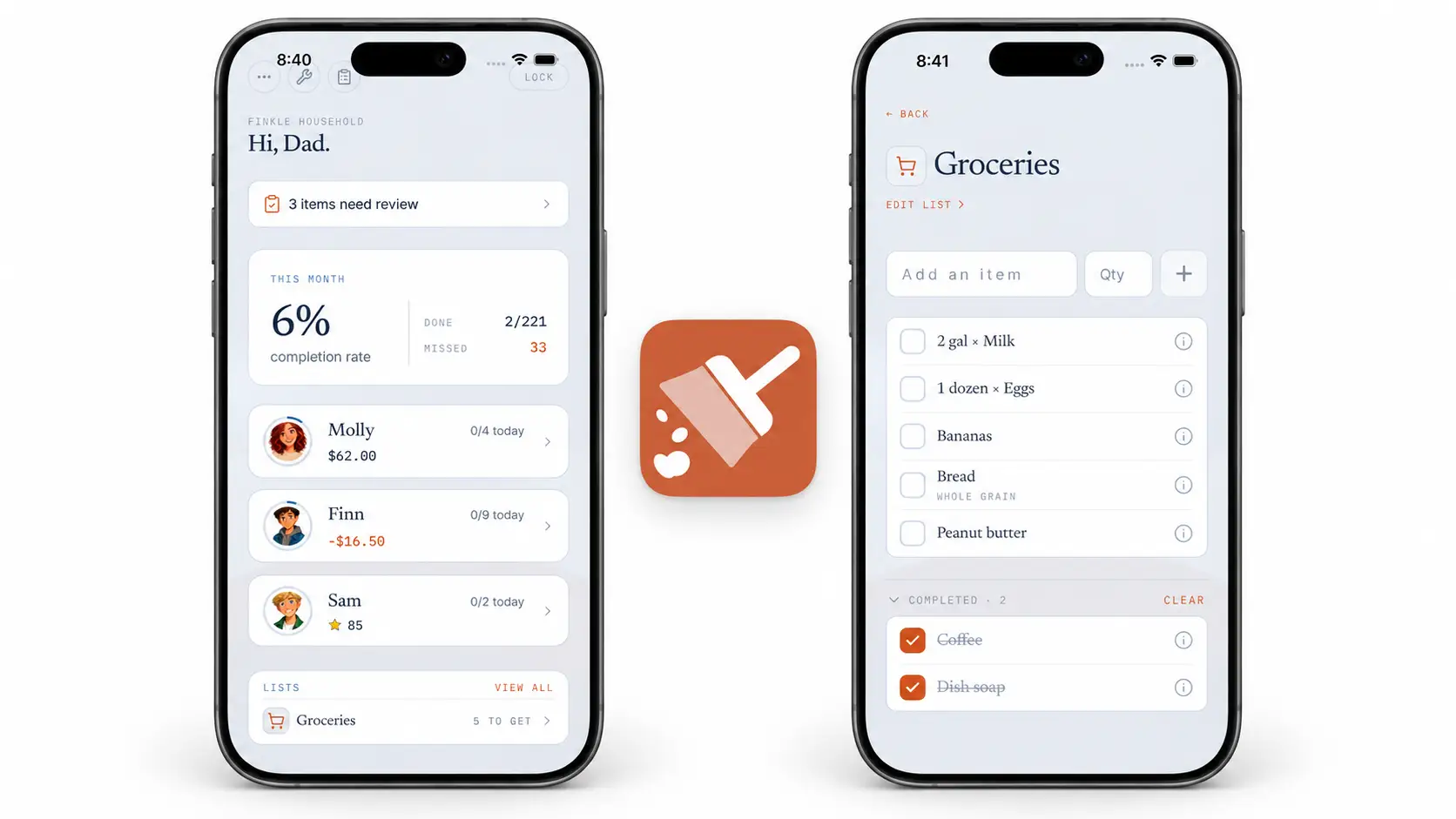
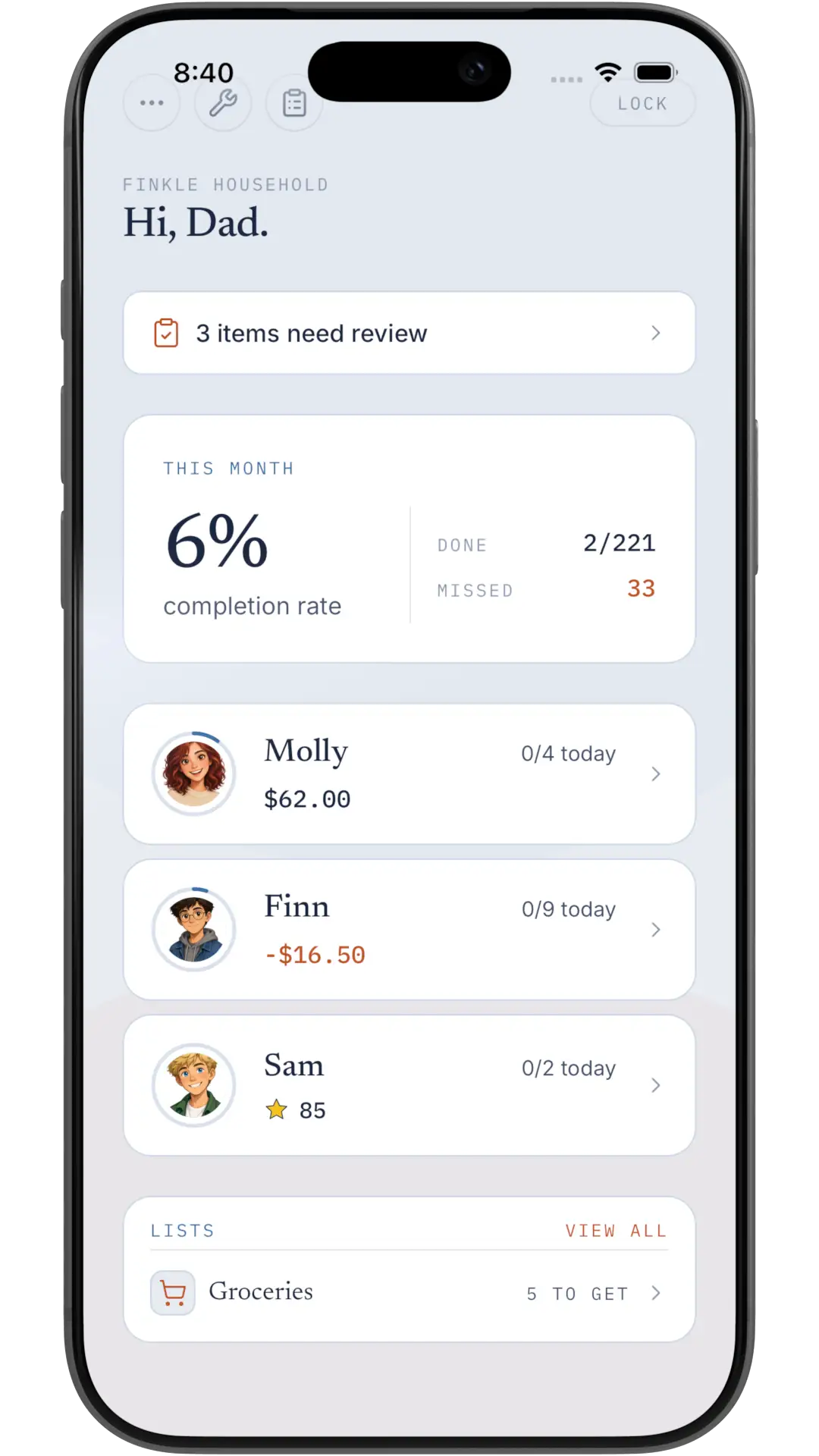
Parents can see shared lists directly from the household overview. The preview shows how many unchecked items remain, so it is easy to spot a list that needs attention without opening another planning app.
Add the detail another person needs
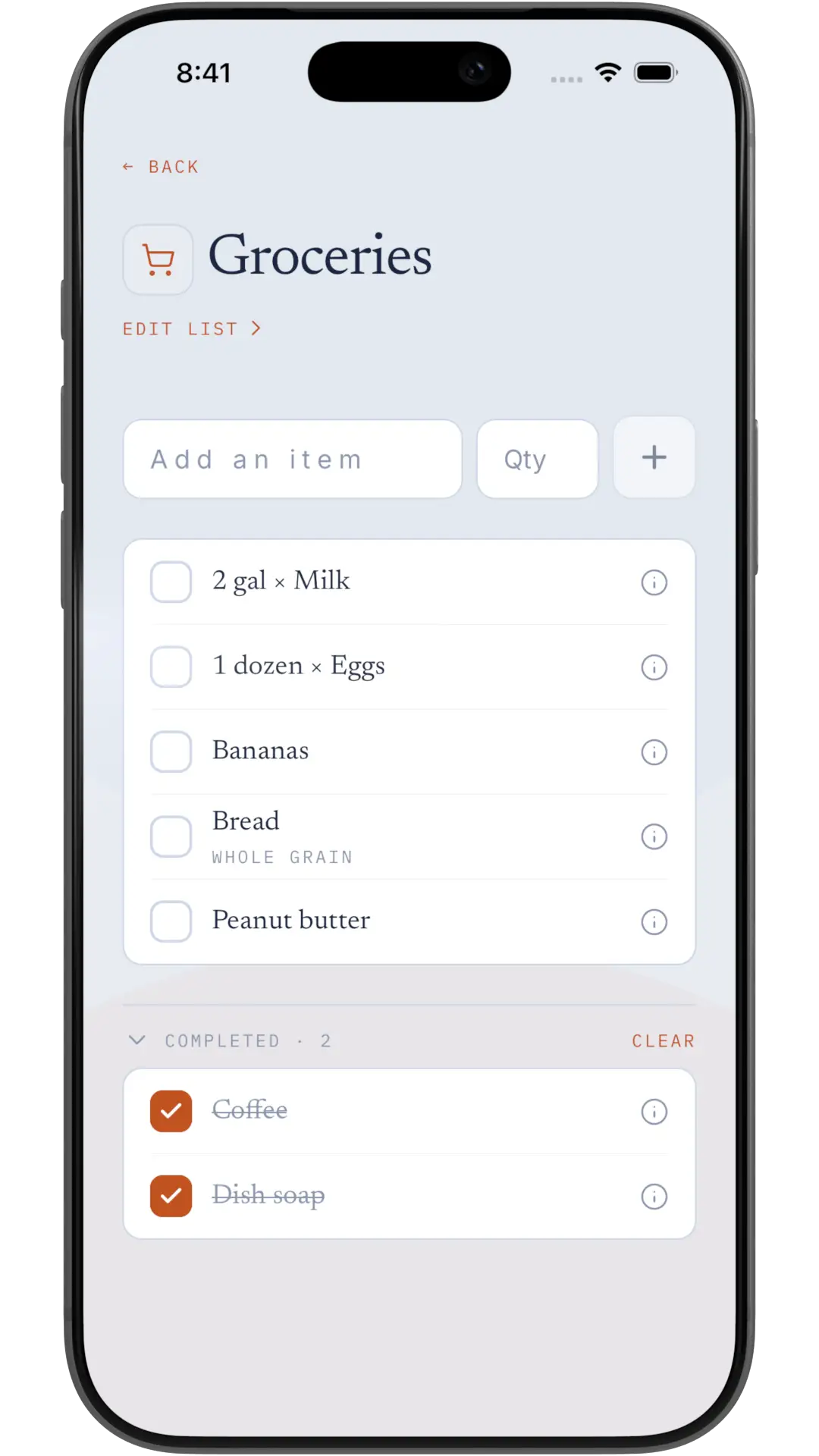
Each entry starts with a name and can include an optional quantity and note. That means the list can say 2 gallons of milk or specify whole grain instead of leaving the person at the store to guess.
When an item is picked up or handled, a member checks it off. Completed items move into their own section instead of disappearing immediately, so an accidental tap can be reversed. Item details also show who added an item and who checked it, which gives the household useful context without requiring another message thread.
How to start a shared list
Open Lists from the parent side of Xtra Hands.
Tap Add a list, give it a name, and choose an icon.
Add the first items, including a quantity or note when it helps.
Let enabled household members add items and check them off as they go.
Open the completed section to review, restore, or clear finished items.
Parents and co-parents manage the lists themselves. Members can view and contribute to those lists when access is enabled. If a particular device should not show household lists, a parent can block list access in that device's permissions.
One less thing to pass along
Shared lists do not make milk last longer. They do make it much harder for an empty carton to become information only one person knows. Add it when you notice it, check it off when it is handled, and give everyone the same answer when they ask what the household needs.