How to Share Family Chores Between iPhone and Android
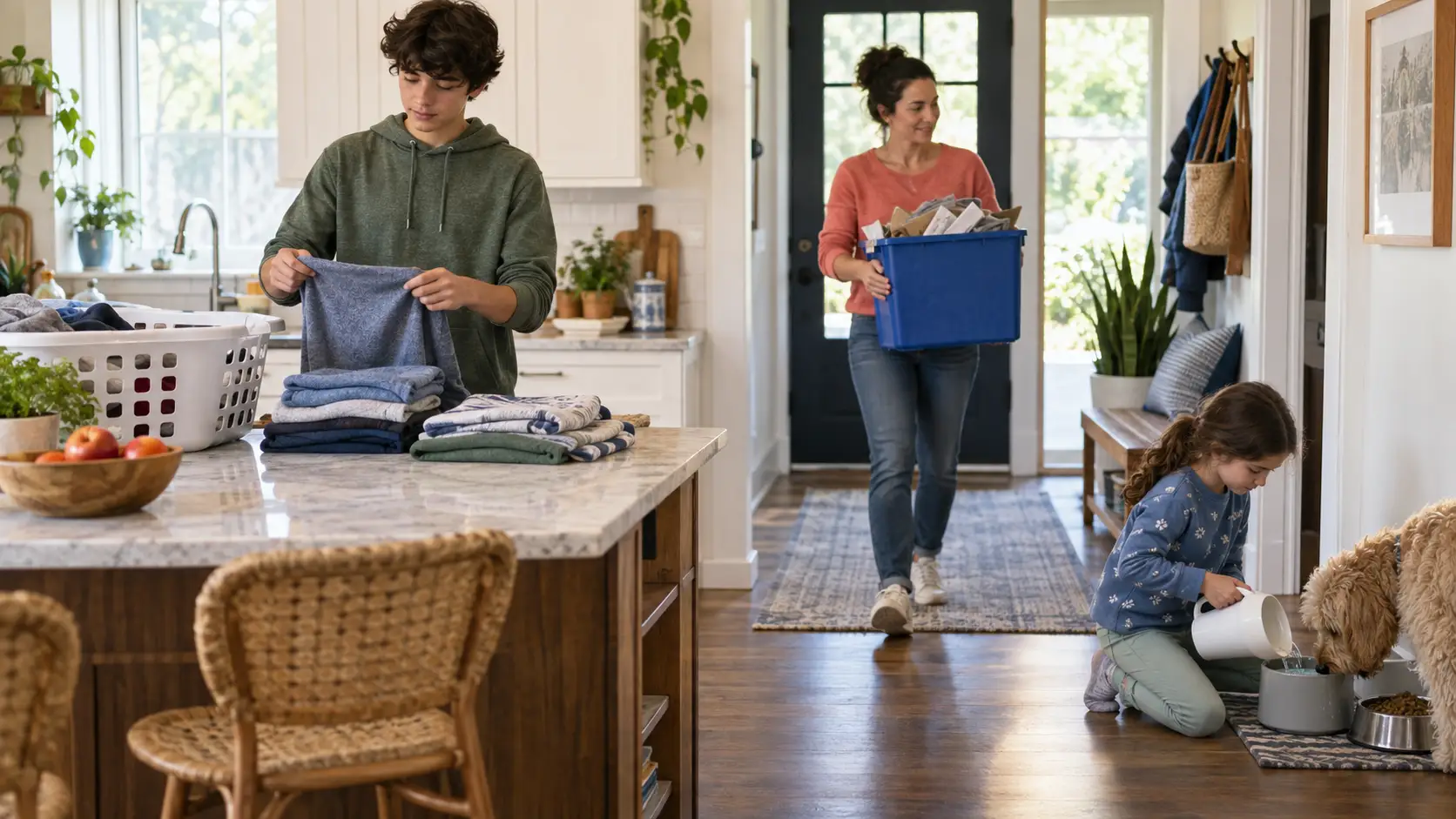
A family can share one chore list between iPhone and Android by using a cross-platform household app that stores assignments in one shared account rather than on a single device. Each person should see the same current chores, rotations, approvals, and reward balances whether they open the household on iOS, Android, or a shared tablet.
That sounds simple, but mixed-device families need more than two downloads. The system also needs to handle children without phones, multiple parents, notifications, permissions, and changes made from either platform. This guide explains what to look for and how to set up a shared chore system that does not depend on everyone owning the same hardware.
Why mixed-device families need a shared household system
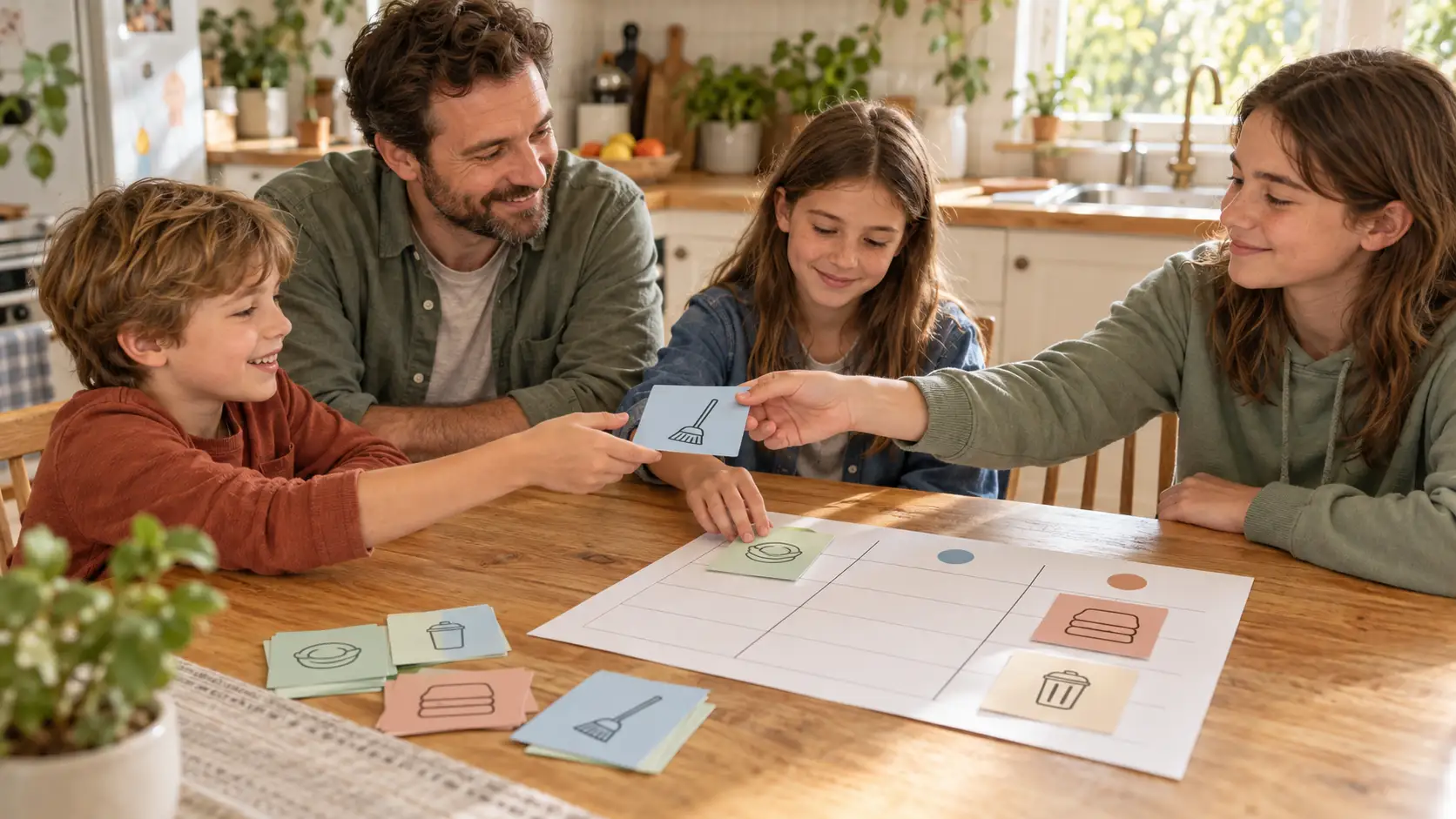
A paper chart works when everyone sees the same wall. A note stored on one parent's phone does not. If one parent uses an iPhone, a teenager uses Android, and a younger child checks a family tablet, separate lists quickly create separate versions of the truth.
A cross-platform chore app should answer these questions for everyone:
What needs to be done today?
Who owns each job?
Whose turn is next?
What has already been completed?
What is waiting for a parent's approval?
How much money or how many stars has each person earned?
What changed since this person last checked?
The phone operating system should not change any of those answers. The household is the source of truth; each device is simply a way to view and update it.
What to look for in an iPhone and Android chore app
True feature parity
Confirm that both versions support the features your household needs. Some apps technically exist on both platforms while important controls, updates, or family roles differ. Parents should be able to manage the household without passing one specific phone around.
Check the current listings in both the Apple App Store and Google Play, not just the product website. Store pages show compatibility requirements, recent updates, privacy disclosures, and in-app purchases.
One synchronized household
Adding a chore, approving completed work, changing a schedule, or recording a payment should update the shared household. Avoid a workflow that relies on manually copying tasks between calendars, texting screenshots, or reconciling two lists.
Support for shared and personal devices
Not every child needs a phone. A useful system can combine:
A parent's personal iPhone.
A co-parent's Android phone.
A teenager's personal phone.
A shared tablet in the kitchen.
Parent-managed completion for a child with no device.
This is often more practical than requiring one screen per person. Younger children can use a shared household device while older members receive their own reminders.
Roles and permissions
Parents need control over assignments, approvals, balances, rewards, and household settings. Members should see and complete the work intended for them without gaining access to every administrative control.
Look for a clear way to lock the parent side on shared devices. A tablet that stays in a common room should function as a chore board without becoming an open settings panel.
Notifications that reach the right person
Cross-platform reminders should follow responsibility. If the teenager owns the trash job, the reminder should reach the teenager rather than becoming another alert only the parent receives.
Notifications also need sensible timing. A reminder after school is useful; a stream of alerts throughout the day becomes noise. The app should support your routine rather than compete with it.
Shared reward and allowance records
If chores earn money or stars, every device should show the same balance. Parents should not need to compare notes or reconstruct whether a completed job was already counted.
Decide whether your family needs a simple total, a full ledger, reward redemptions, parent approval, or expense tracking. Our guide to the best allowance apps for kids explains the differences among app types.
Privacy that fits children and families
Review what information members must provide, whether children need individual accounts or email addresses, what data the app collects, and how devices can be removed. The system should collect only what it needs to run the household.
Parents should also be able to revoke an old or lost device without rebuilding the entire family account.
How to share chores between iPhone and Android
1. Create the household from one parent account
Start with one adult setting up the household, basic rooms, and a small number of repeating chores. Do not enter the entire household chores list on the first night. A smaller working system is easier to test across devices.
2. Add household members
Create a member for each person who will own chores, whether or not they have a phone. Use the same names or nicknames your family already uses. Assign only a few familiar responsibilities at first.
3. Pair or invite each device
Install the appropriate app from Apple's App Store or Google Play. Follow the product's pairing or invitation process so every device joins the existing household instead of creating a second one.
After pairing, complete a simple test:
Create a one-time test chore on the parent's device.
Confirm that it appears for the assigned member on the other platform.
Mark it complete from the member device.
Confirm the parent sees the completion or approval request.
Check that any reward or balance changes once.
This five-minute test verifies the full household loop before you depend on it for the week.
4. Set notification permissions on each phone
Installing an app does not guarantee reminders will appear. Each person should allow the notifications they need and check the phone's focus, battery, and notification settings if alerts are missing.
Use one real chore to test timing. Confirm that the reminder arrives on both iPhone and Android where expected, then adjust the schedule rather than creating duplicate alerts.
5. Choose how younger children will check in
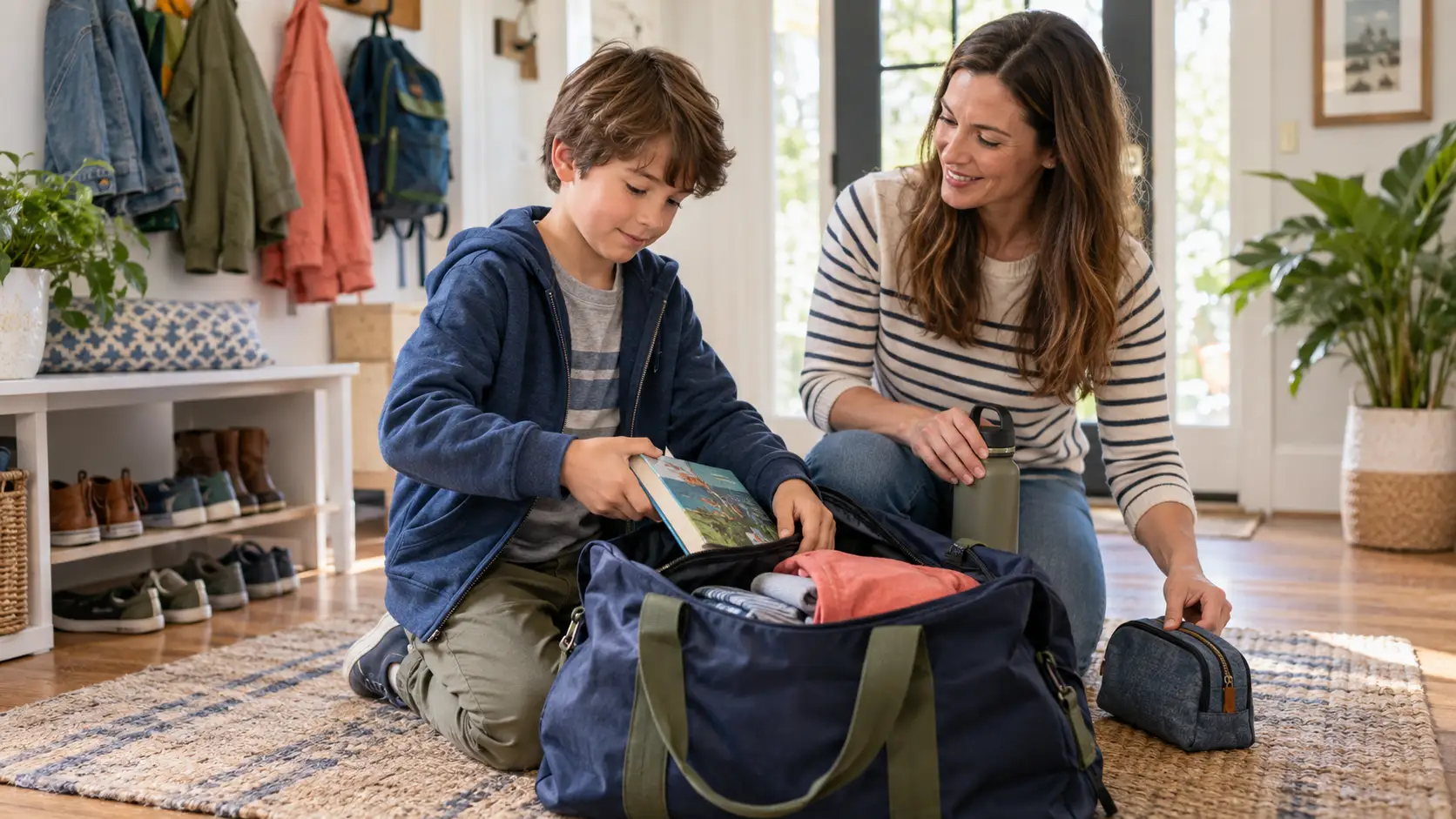
A child without a phone can use a shared tablet, choose their profile on a common device, or have a parent record completion. Put the shared device in a visible common location and protect parent controls.
The system should grow with the child. When they eventually receive a personal device, pair it to the existing member instead of starting their chores and history over.
6. Add a co-parent or second adult
A second adult should join the same household with appropriate administrative access. Both parents then see current chores, completions, approvals, and balances without forwarding screenshots.
Agree on family rules outside the app: what requires approval, how rejected work is explained, when allowance is settled, and who changes recurring assignments. Shared access works best with shared expectations.
7. Review the first week
After seven days, check which reminders arrived, which chores were unclear, and whether anyone used the wrong member profile. Remove unnecessary alerts, clarify vague tasks, and fix timing before adding more complexity.
A mixed-device setup for a family of five
Person | Device | How they use the system |
|---|---|---|
Parent 1 | iPhone | Creates schedules, reviews work, manages rewards |
Parent 2 | Android phone | Uses the same parent overview and approvals |
Teenager | Android phone | Receives personal chores, reminders, and balance |
School-age child | Shared iPad | Chooses their member and checks off assigned work |
Young child | No device | Completes simple chores; parent or shared tablet records them |
No one needs to switch phone brands. The household adapts to the devices people already have.
How Xtra Hands handles iPhone and Android households
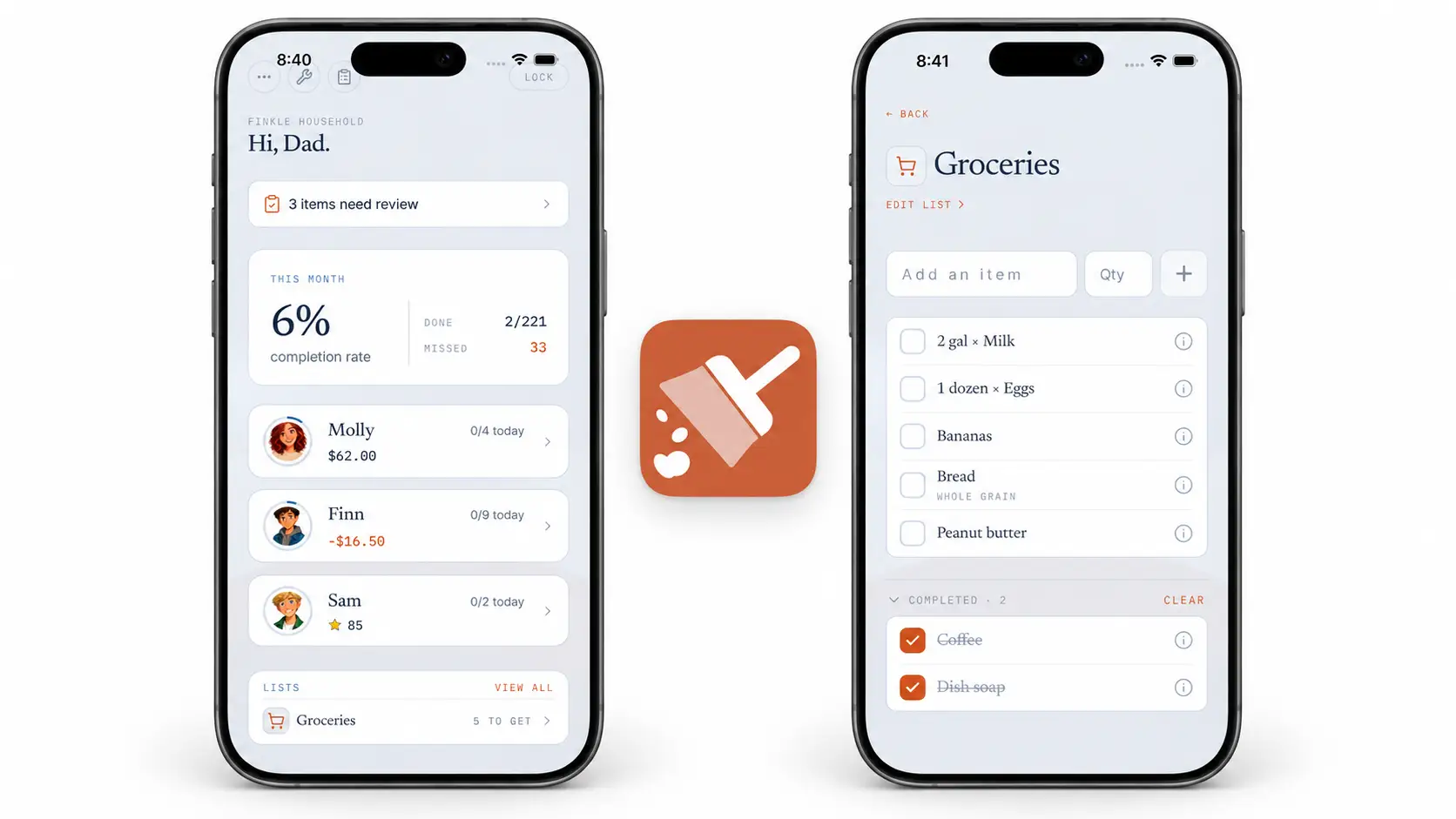
Xtra Hands keeps chores, rotations, reminders, approvals, allowance, stars, rewards, and reports in one household across iOS and Android. Family members can use personal phones, a shared tablet, or no device of their own.
A parent can pair a teenager's Android phone, leave an iPad in the kitchen for younger members, and invite a co-parent using an iPhone. Each member sees their own work and balance, while parents see the household overview and approval requests.
Chores can repeat daily, weekly, biweekly, monthly, or during selected months. Shared jobs can rotate, missed work can carry over when appropriate, and optional photo proof can give a parent something concrete to review.
The first member is free with every feature included and no trial deadline. Additional household members use the paid tiers, while parents and co-parents do not count as chore members. See the current Xtra Hands pricing guide for plan details.
Shared tablet or personal phones?
Both approaches work, and many households use a mix.
Setup | Best for | Tradeoff |
|---|---|---|
Shared tablet | Younger children, one visible household station | Members must visit the shared location |
Personal phones | Teens, adults, reminders away from home | Requires each person to maintain notifications |
Mixed setup | Families with different ages and devices | Needs a clear pairing and profile plan |
Parent-managed | Very young children or device-free members | Parent records completion until independence grows |
A shared tablet offers a visible home base. Personal phones deliver reminders directly. Using both keeps the system accessible without making phone ownership a requirement for participation.
Common cross-platform problems
A second household was created accidentally. Join the existing household instead of beginning setup again on each device.
Notifications appear on one platform only. Check operating-system permissions, focus modes, battery settings, and the chore schedule.
A younger child uses the parent profile. Enable the app's member switching and shared-device lock controls.
Balances do not match family expectations. Define which chores earn, when approval posts earnings, and how payouts are recorded.
Parents overwrite each other's changes. Agree on who manages recurring assignments and communicate major schedule edits.
The list becomes overwhelming. Begin with daily essentials and add weekly jobs after the check-in habit is established.
An old phone remains connected. Revoke devices that are lost, sold, replaced, or no longer part of the household.
Frequently asked questions
Can an iPhone and Android share the same chore list?
Yes, if the chore app supports both platforms and stores the household online. Join both devices to the same household so assignments, completion, approvals, and balances stay synchronized.
Does every child need a phone to use a family chore app?
No. Children can use a shared family tablet or have a parent record completed work. A personal phone is useful for individual reminders but should not be required for household participation.
Can two parents manage chores from different phones?
Yes, when the app supports multiple parent or administrator roles. Both adults should join the same household rather than creating separate lists.
Can chore rewards sync between iOS and Android?
They can when rewards and balances belong to the shared household account. Confirm that approvals, earnings, redemptions, and payment records are available on both platforms.
What should I test before moving the whole family?
Create one chore on one platform, complete it on the other, approve it, and verify the reward or balance. Then test one scheduled reminder on each device before entering the full chore schedule.
Let the household choose the devices
Your chore system should fit the phones and tablets your family already uses. It should not require a teenager to change platforms, a younger child to own a phone, or parents to maintain competing versions of the list.
Start with one household, pair the devices you have, and test the full loop with one chore. Set up Xtra Hands on iOS or Android and keep every member working from the same plan.