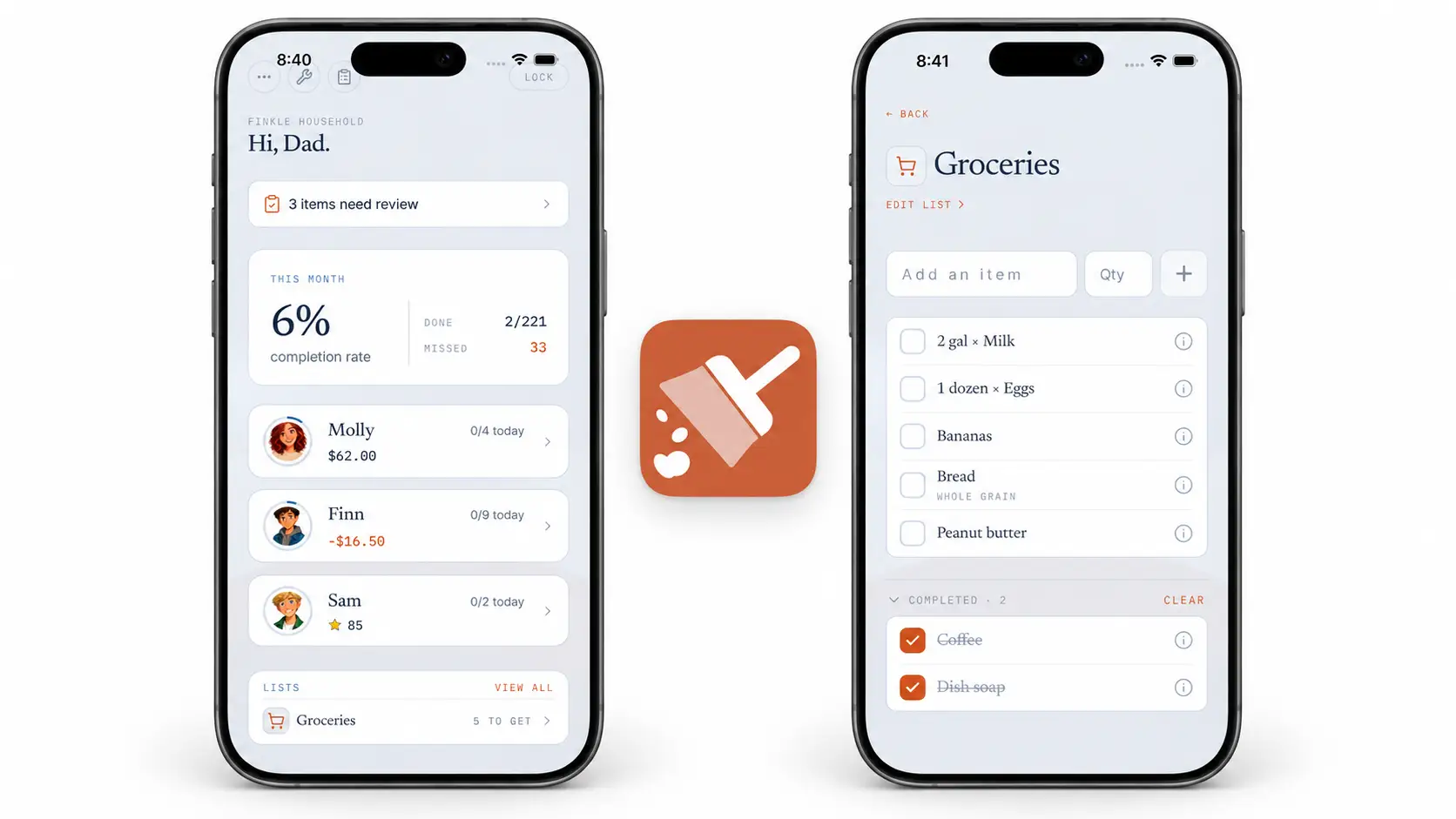
Chore Notifications That Fit Each Member's Day
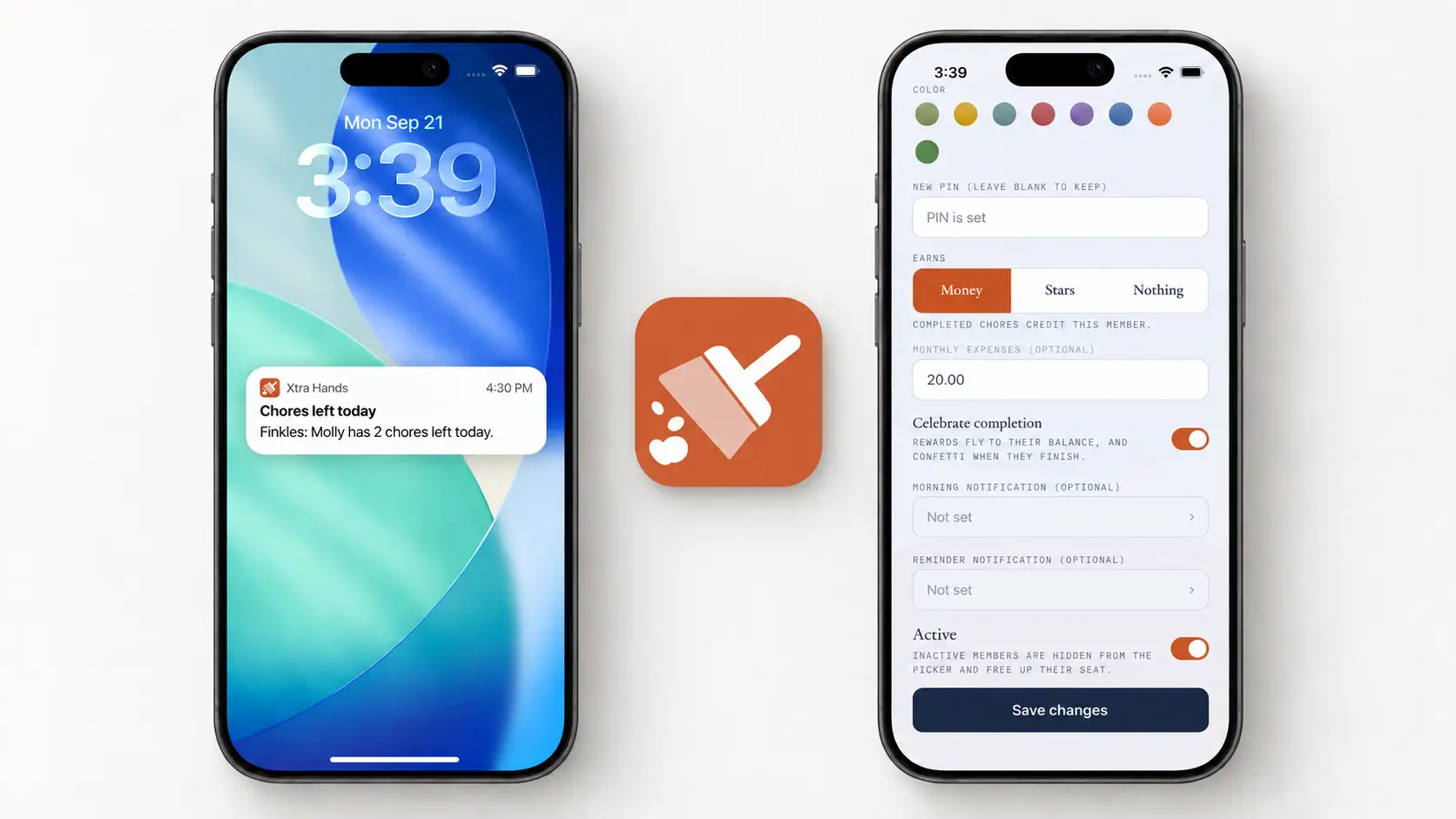
A reminder at the wrong time is easy to ignore. One child is ready to help before breakfast; another is in class all morning and needs a nudge after school. Xtra Hands lets you set chore notification times for each member, so the reminder fits the person who will actually do the work.
You can give a member a morning heads-up, a later reminder, both, or neither. The later reminder only goes out when that member still has chores open. It is a useful prompt, not another message to dismiss after the work is done.
Why we made notification times personal
Most households do not run on one clock. School, work, practice, and bedtime all change when someone can reasonably tackle a chore. A single household-wide reminder would be simple to configure, but it would reach some people when they could not act on it.
Per-member times let you work with those rhythms. Set one member's reminder for after school and another's for later in the evening. You can leave the morning notification off for a child who is out the door early, while keeping it on for someone who likes to see the day's chores before they begin.
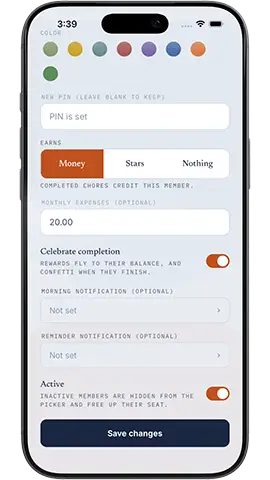
How to set a member's chore reminders
On the parent side of the app, open Manage, then Members.
Choose the member whose notifications you want to change.
Under Morning notification, pick a time if a start-of-day heads-up would help. This one is optional.
Under Reminder notification, choose a time that fits their routine, such as after school. Clear the time if you do not want that reminder.
Tap Save changes. You can set different times for the next member.
New members start with an afternoon reminder, but you can move it to whenever it makes sense for them. Times follow your household's time zone. A member needs a paired phone with push notifications allowed to receive their personal reminder; shared and parent devices receive a household overview instead of a separate push for each member.

Less asking, more room to follow through
A notification cannot do the chore for anyone. It can, however, make the expectation visible at a time when the member can act on it. That gives parents one less repeated question and gives members a better chance to handle their own list.
Start with the time your household already uses to reset after school or work. Adjust it when a schedule changes. The chores themselves can live in the rooms that make sense for your home; the reminder can meet each person at the right moment.