Rotation Groups: Share the Chores That Keep Coming Back
Some chores never really leave the list. The yard needs attention again, the dishes return tomorrow, and somebody always has to take the next turn. When the same person keeps getting the job, it can start to feel like they are carrying more than their share.
Rotation groups in Xtra Hands help you plan whose turn comes next. Set up an order once, then assign a chore to the rotation instead of choosing a permanent owner. A turn can belong to one member or to several members working together.
Why we built rotations
Rotating work is a simple way to make recurring chores feel fairer, but remembering the order is another task for a parent. A rotation keeps that order visible and moves responsibility along as each period changes. It does not mean every chore takes the same effort. It means no one has to be the default person forever just because their name was on it first.
Imagine a weekly yard chore. Finn takes the first week. Molly and Sam share the second week because the job is too big for one person. After their turn, the rotation comes back to Finn. Each turn has one period; everyone knows when their turn is coming.
Create a rotation group
On the parent side of the app, open Manage, then Rotations.
Tap Add a rotation and give it a name, such as Yard rotation.
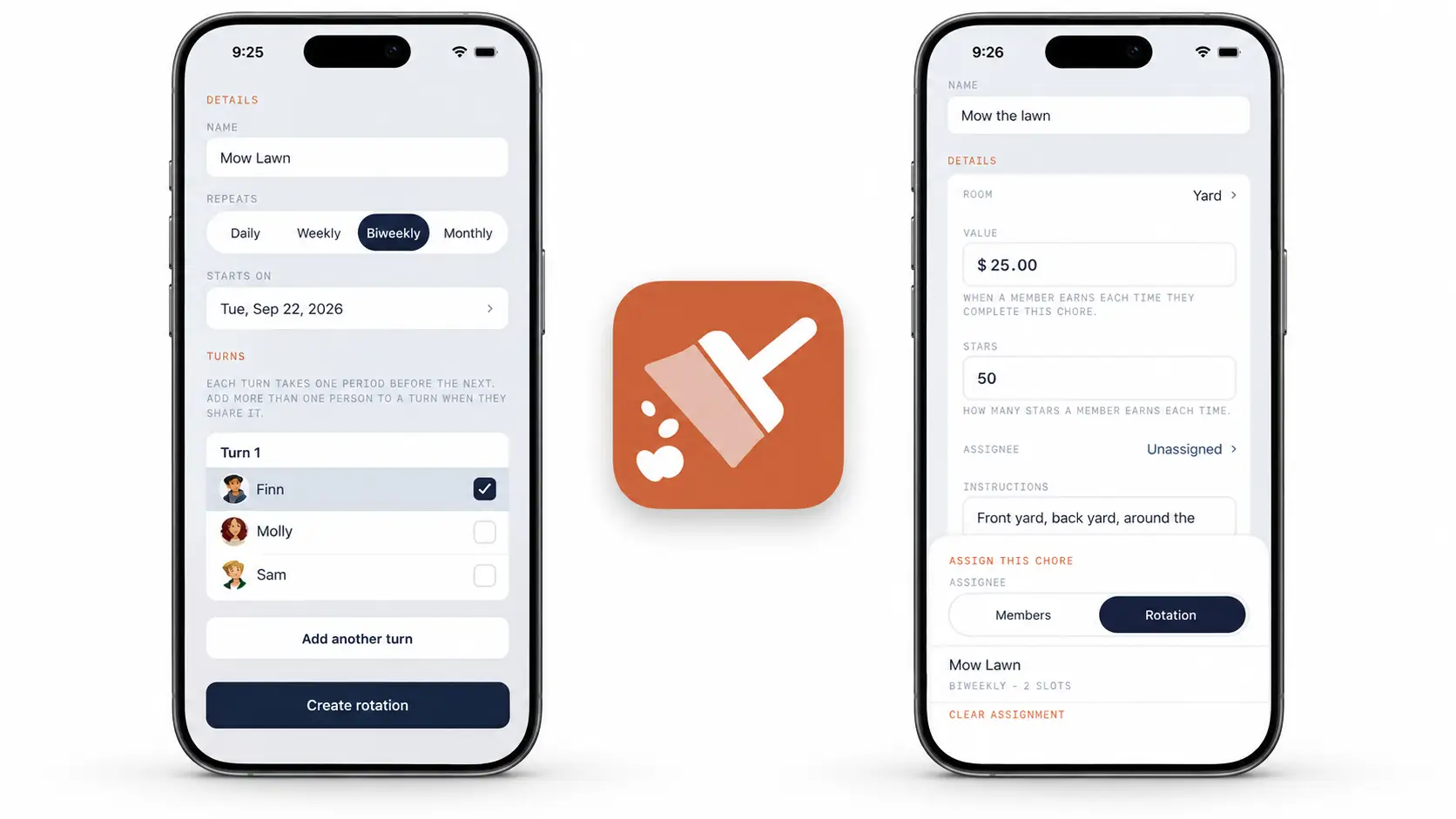
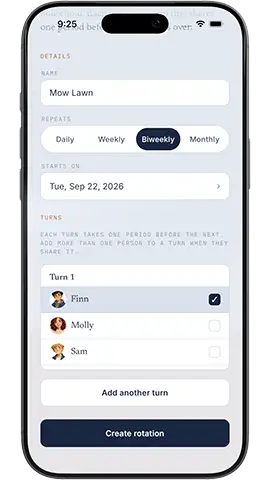
Choose how often the turn changes: Daily, Weekly, Biweekly, or Monthly. Set the date the rotation starts.
Under Turns, select one or more members for the first turn. Tap Add another turn to choose who follows. Add as many turns as the plan needs.
Tap Create rotation.
The order of the turns is the order they will take over. Put two people in the same turn when they should share that period, not when you want them to take turns with each other. To alternate between two people, give each person a separate turn.
Assign a chore to the rotation
Create a chore or open an existing one to edit it.
Set when the chore repeats, as you normally would.
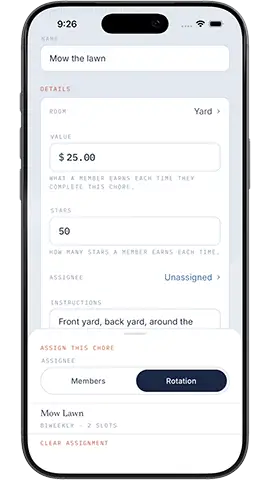
Open Assignee and switch from Members to Rotation.
Choose the rotation group you created, then save the chore.
The chore's schedule determines when it appears. The rotation determines which member or team has that turn. A weekly chore with a weekly rotation, for example, can pass to the next turn each week without you reassigning it by hand.
A plan that can change with your household
You can return to Rotations to change the order or who shares a turn when schedules change. The goal is not a perfect formula for fairness. It is a practical way to spread repeating work around, make the next turn clear, and give bigger jobs to a team when that is what they need.