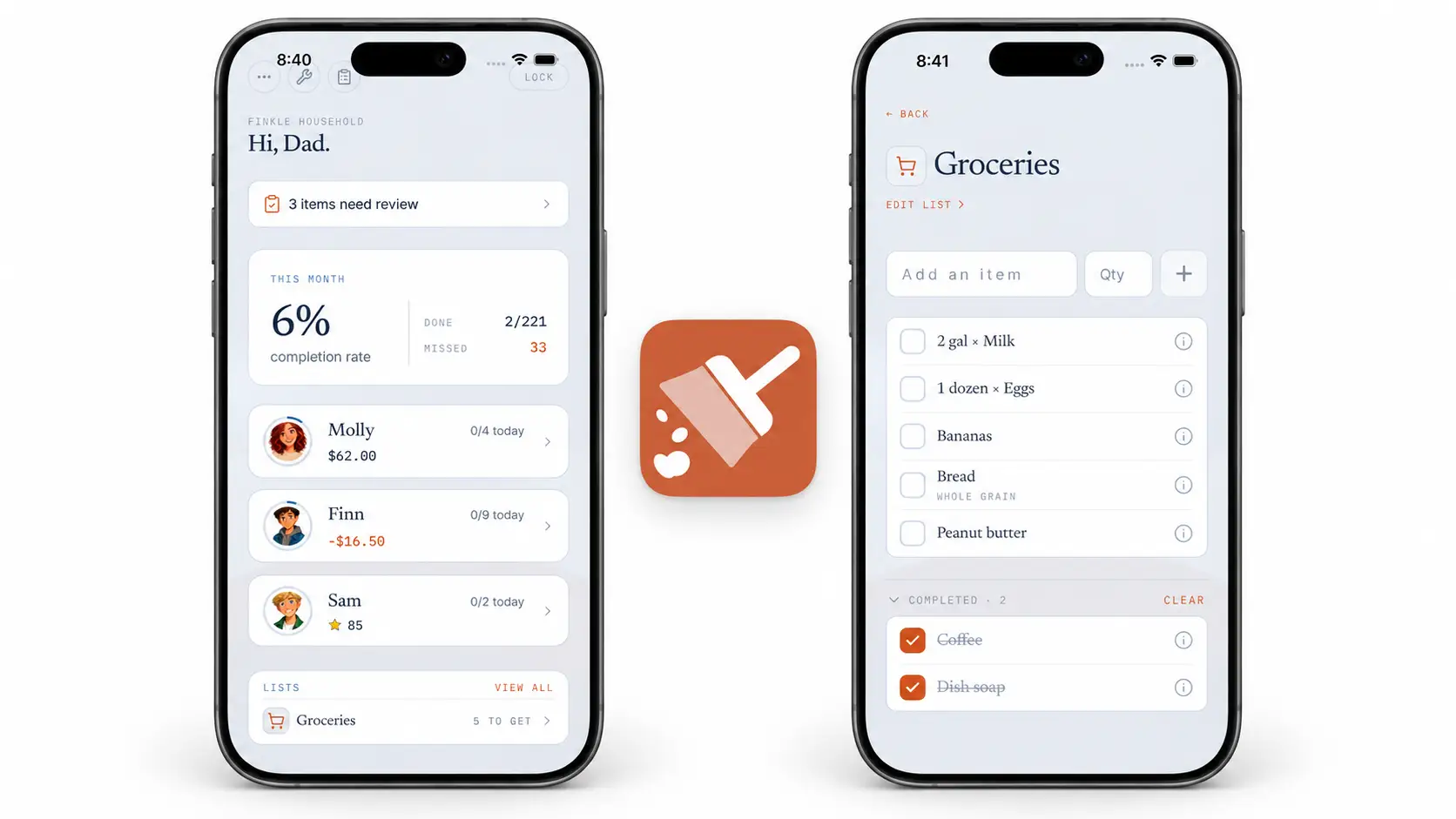
A Clear Ledger for Chore Earnings and Household Expenses
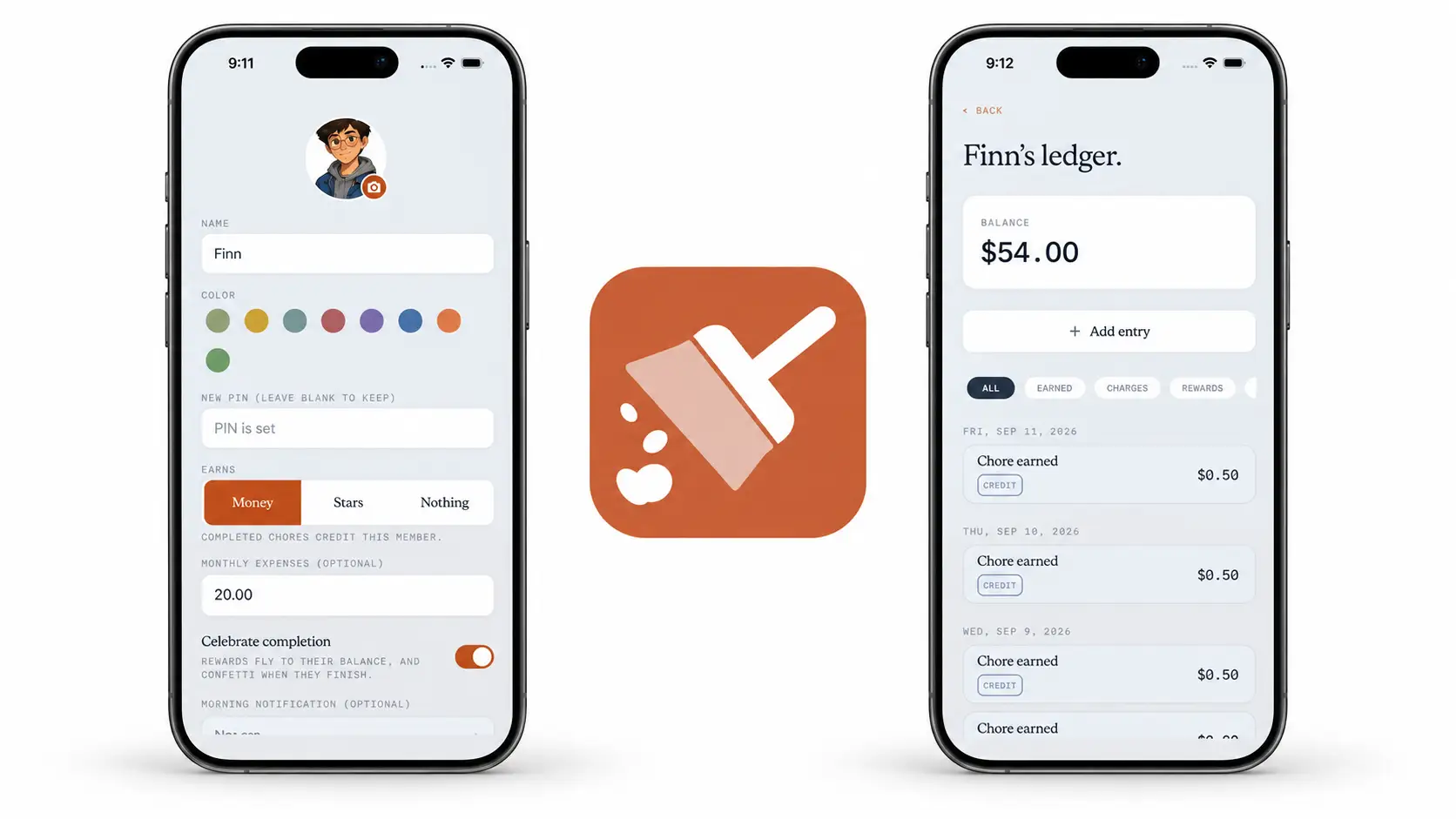
Finishing a chore is one part of learning to manage money. Seeing what was earned, what was spent, and what is still owed is another. Xtra Hands keeps a ledger for each member so the history does not disappear into a single number on a screen.
Parents can see chore earnings and other entries over time, add a credit or debit with a note, and set an optional monthly expense for a member who earns money. That expense might represent a phone bill or, for an adult child living at home, an agreed share of household costs. The choice and amount belong to your household.
Why we built it
A balance alone does not explain how someone got there. Was it a completed chore, a monthly charge, or a one-off adjustment? The ledger gives parents the history behind the number. Members see their own balance or expense progress, while parents can open the full ledger when they need to see every entry. That makes a conversation about money more concrete.
The arrangement matters beyond childhood. According to the U.S. Census Bureau, 16% of adults ages 25 to 34 lived in a parental home in 2025. In a Pew Research Center survey conducted in 2023, 72% of young adults living with a parent said they contributed financially to the household in some way; 46% said they helped with rent or a mortgage. Those figures describe what families do, not what yours should do. A contribution can be useful when it is discussed openly and fits everyone's circumstances.
How monthly expenses work
On the parent side, open Manage, then Members, and choose the member to edit. Set Earns to Money and enter an optional Monthly expenses amount. It is one monthly amount, not a list of separate bills. If you and your older child agree that $30 a month represents their phone bill, enter $30 there. Xtra Hands records the monthly charge as a debit in their ledger.
When they complete a chore that earns money, its value is credited to the same balance. In a simple example with no earlier balance or other entries, a $30 monthly expense starts the member at $30 owed. Completing a $10 chore brings that to $20 owed. Further earnings or a manual credit can bring the balance to zero and then above it. An unpaid balance carries into the next month, alongside the new month's charge.
Members set to Stars earn stars instead; stars do not pay down a currency expense. The ledger records household balances and history. It does not move money through a bank or pay a bill for you.
See the history and adjust it
On the parent side of the app, open Manage and then Ledger.
Choose a member to see their current balance and dated activity.
Use the filters to find earnings, charges, rewards, payouts, or adjustments.
Tap Add entry when you need to make a manual adjustment. Choose Credit (+) or Debit (-), enter the amount, and add a note explaining why.
A credit can correct a missed earning or acknowledge money contributed outside the app. A debit can record an agreed expense or correct a balance. The note keeps the reason attached to the entry, so it is easier to revisit later. Monthly charges appear in the history automatically when monthly expenses are set; you do not have to add them by hand each month.
Make the numbers part of a conversation
For a younger child, the ledger can make earning and spending visible. For an older child or adult living at home, it can help everyone keep track of an agreement about a phone bill, rent, or another shared cost. Start with the conversation, choose an amount that makes sense, and let the history make the agreement easier to follow.